

It is official that Counter-Strike: Global Offensive is back again with its own Store page on Steam. This follows the game being replaced by Counter-Strike 2 over two years ago. Valve has unbundled CS from CS2 and given it a separate download option, though the game is unlisted and won’t appear in normal Steam searches. Fans of CS:GO will find this change makes it much easier to access the classic game without digging through confusing beta branches or dealing with complicated file installations.
The return solves several problems for players who want to keep playing the original game. Community server hosts, custom map creators, and Linux users all benefit from having CS:GO as a standalone client. The game is no longer tied to CS2 updates. This means Valve can maintain both games without breaking the old version every time they patch the new one.
While official matchmaking is unavailable, your existing weapon skins and inventory items remain accessible for use on community-run servers. You can also play offline with bots and enjoy the classic movement system that many players prefer. The game is preserved and accessible for anyone who wants to revisit it or keep playing on custom servers. CS:GO remains a favorite for its distinct feel and competitive history.
Key Takeaways
CS now has its own Steam store page and can be downloaded separately from the main Counter-Strike 2 client
The game is unlisted on Steam to avoid confusing new players but can still be found and installed
Official matchmaking is not available, but your inventory remains accessible and the community server browser works properly
Counter-Strike: Global Offensive’s Return to Steam
Valve brought Counter-Strike: Global Offensive back to Steam with its own dedicated store page after keeping it bundled with Counter-Strike 2 for over a year. The CS:GO client now exists as a separate download, though Valve chose to keep it hidden from standard store searches.
The Unlisted Store Page Explained
Counter-Strike: Global Offensive has a dedicated Steam page, but you won’t find it through normal search methods. A notice at the top of the store page states “At the request of the publisher, Counter-Strike: Global Offensive is unlisted on the Steam store and will not appear in search.”
You can still access the page through direct links. There’s also a quirk where searching for the game by name and clicking back into the search bar makes the CS:GO page appear in the dropdown menu.
Valve kept CSGO unlisted to avoid confusing new players who might download the older game instead of Counter-Strike 2. The company wants new players joining the current competitive scene in CS2, not accidentally installing a game that’s over a decade old. This approach lets Valve preserve the legacy title while keeping Counter-Strike 2 as the main focus for the Counter-Strike brand.
Why Valve Decided to Bring Back CS
Valve unbundled CS:GO from Counter-Strike 2 primarily for technical reasons. Maintaining the legacy branch inside the CS2 install package created problems for developers. Every CS2 update risked breaking the branch.
A separate package with its own app ID on the Steam store means Valve can update Counter-Strike 2 without worrying about breaking the old client. This also fixed major issues for Linux users, who dealt with a broken legacy branch that made the game unplayable on their systems.
The move benefits community servers and custom game modes. Surf maps, kz climbing, and other custom content struggled with Counter-Strike 2’s Source 2 engine because the physics changed completely.
Differences from Previous Access Methods
You no longer need to dig through beta branch menus to play CSGO. The game installs as a completely separate application on Steam instead of hiding inside Counter-Strike 2’s files.
Previously, accessing CSGO meant selecting a legacy branch through CS2’s properties menu. This method forced you to keep both games’ files on your hard drive in a confusing shared file structure.
The standalone version eliminates this complexity. You can install CSGO independently without having Counter-Strike 2 on your system at all. This saves hard drive space if you only want to play the older version.
What Players Get With the Standalone CS Release
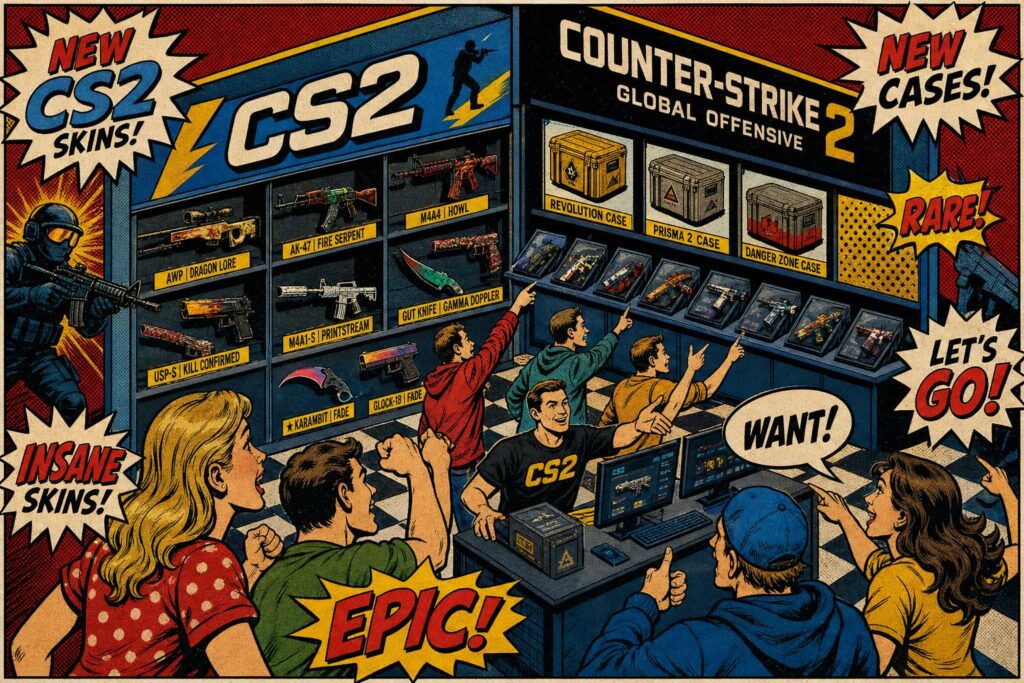
The standalone CS:GO download gives you access to offline play, the community server browser, and workshop content. You won’t get official matchmaking or VAC-protected servers, but you can still enjoy custom maps and community-created content.
Offline and Community Server Features
You can play CS offline against bots or join community-run servers. The standalone version lets you practice weapon spray patterns or use the community server browser to find live games. You can still test strategies and explore maps without needing an internet connection.
Community servers remain fully functional in this version. You can join custom game modes like surf, zombie escape, and deathrun that fans have created over the years. These servers operate independently from Valve’s official infrastructure, so they continue working exactly as they did before Counter-Strike 2 replaced CS.
The bot matches support all standard game modes including competitive, casual, and arms race. You can adjust bot difficulty levels and team sizes to match your skill level.
Workshop Map Support and Modding
Your access to the Steam Community Workshop stays intact with the standalone release. You can download thousands of custom maps that players have created since CS launched in 2012.
Workshop maps include aim training courses, practice maps for specific skills, and completely custom game experiences. Popular maps like aim_botz and recoil master still work for improving your shooting mechanics.
The game supports all existing mods and custom content. You can install custom skins, sounds, and game modifications just like you could in the original CS:GO. This makes the standalone version valuable for players who want to preserve their customized experience. It ensures that years of community work are not lost during the move to newer engines.
Limitations: No Official Matchmaking or VAC
The standalone version of CS:GO does not include official matchmaking through Valve’s servers. Players must look for matches on the Steam store or via third-party groups. You cannot queue for ranked competitive matches or gain Prime status benefits in this version. This is because Valve transitioned all official infrastructure to Counter-Strike 2.
VAC (Valve Anti-Cheat) protection does not apply to the standalone CS since it lacks official servers. This means community servers must rely on their own anti-cheat systems or third-party solutions.
Your CS inventory items and skins remain accessible, but you need Counter-Strike 2 to use them in official Valve matches. The standalone version serves as an archive rather than a replacement for the current competitive ecosystem.
Technical Improvements for Players
The standalone release runs on the older Source engine that powered Counter-Strike: Global Offensive before the Source 2 upgrade. You might find better performance in CS:GO on older hardware compared to Counter-Strike 2.
Players with lower-end computers can run this version more smoothly. The game requires less processing power and VRAM than Counter-Strike 2, making it accessible for budget gaming setups.
You get the final version of CS as it existed before the Counter-Strike 2 transition. This includes all the weapons, maps, and mechanics that players spent years mastering. The physics and movement feel identical to what competitive players remember from the original game.
CS and Counter-Strike 2: Brand, Community, and Future Implications
Valve’s decision to give CS its own store page creates a split between two versions of Counter-Strike that affects how players find the game, how competitive communities operate, and how custom content survives the transition to Source 2.
Brand Recognition and Avoiding Confusion
Counter-Strike: Global Offensive built massive brand recognition over more than a decade. New players searching for Counter-Strike might still look for CS instead of Counter-Strike 2. Valve unlisted the CS store page specifically to push new players toward CS2.
The unlisted status means CS won’t appear in normal Steam searches or on the store’s front page. You can still find it if you search directly and click into the search bar dropdown. This approach lets Valve keep the legacy version accessible without splitting the player base between two active storefronts.
Counter-Strike 2 represents Valve’s current competitive platform built on Source 2. Keeping CS visible alongside CS2 would create questions about which game receives updates, which has official matchmaking, and where professional tournaments take place.
Impacts on Competitive Players and Content Creators
Official matchmaking exists only in Counter-Strike 2, so you won’t find Valve’s ranked competitive queues in this version. However, your weapon skins and inventory items remain tied to your Steam account and are visible in the legacy client.
Community servers still run in CS, giving you access to 128-tick servers and the old movement mechanics. Some competitive players prefer CS’s physics and netcode over CS2’s Source 2 implementation. Content creators who built audiences around CS now face decisions about which version to feature.
The separation lets both communities exist without forcing everyone onto Counter-Strike 2. You can choose the version that matches your preferences for movement, gunplay, and server performance.
Legacy Preservation and Custom Game Modes
CS’s transition to its own app ID fixes major technical problems for custom game modes. Surf maps, kz climbing servers, and custom game modes struggled when Counter-Strike 2 changed the physics engine. Source 2’s different mechanics broke years of community-created content.
A dedicated CS client means custom map creators can maintain their work without constant updates breaking functionality. The Community Workshop tools for CS remain separate from CS2’s upgraded versions. You can now access stable servers for niche game modes that never properly transitioned to Counter-Strike 2.
Linux users particularly benefit from this change. The legacy branch inside CS2 had persistent bugs on Linux systems. The standalone package restored playability for that platform.
Frequently Asked Questions
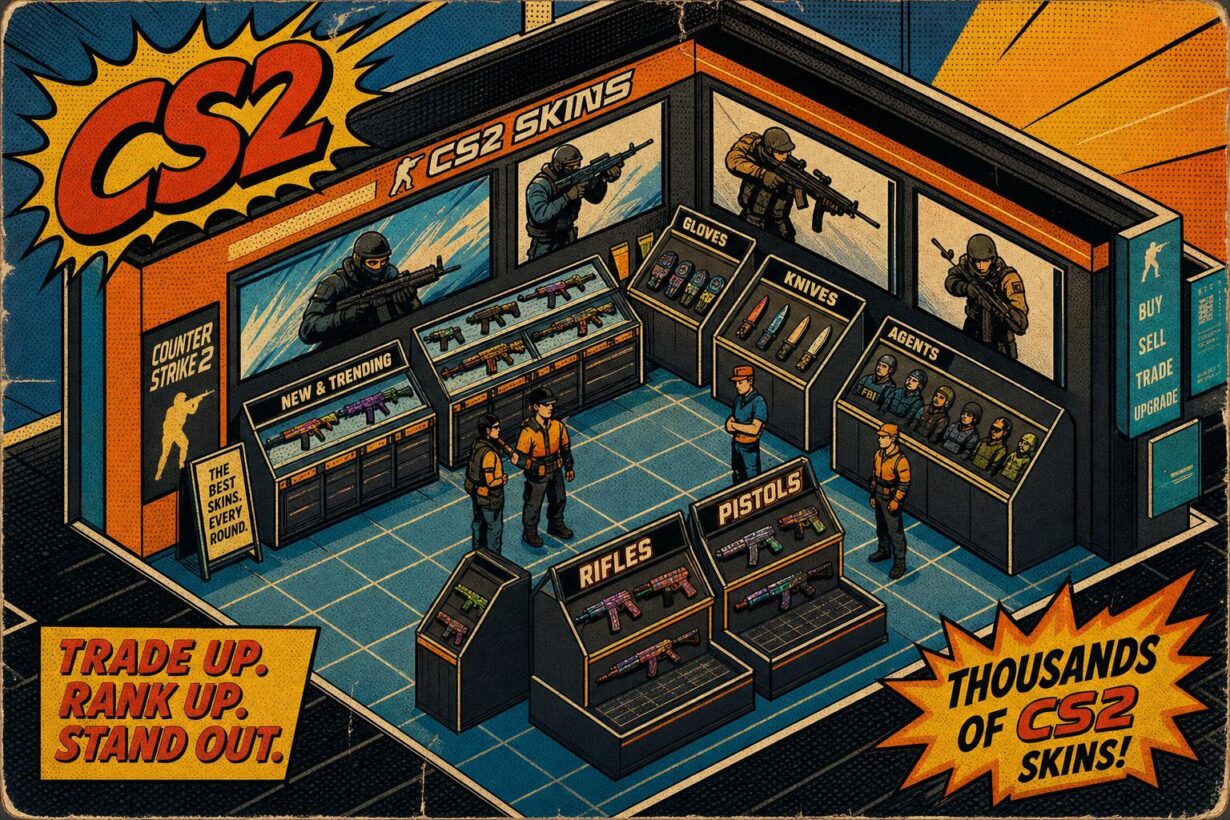
The CS:GO Store page offers weapon skins, stickers, and other cosmetic items through both direct purchases and the Steam Community Market. Payment options include Steam Wallet funds, credit cards, and other Steam-accepted methods. This makes it simple for players to manage their digital collections.
What items are available in the new Counter-Strike: Global Offensive Store page?
The CS Store page gives you access to weapon finishes, also called skins, which change how your guns look in the game. You can also find stickers, graffiti, and other cosmetic items that let you customize your weapons and gameplay experience.
These items are purely cosmetic and don’t affect gameplay or give you any competitive advantage. The store includes items from various collections and cases that have been released throughout the game’s history.
How do I purchase skins and items in CS:GO?
You can buy CS:GO items through the Steam Community Market, where players sell items to each other. The in-game store also offers cases and keys that you can purchase directly.
When you buy a case, you need a key to open it and receive a random item from that case’s collection. You can also trade items with other players through Steam’s trading system.
Are there any exclusive deals or discounts in the CS Store?
CS:GO does not typically offer traditional sales or discounts on items in the official store. Prices on the Steam Community Market change based on supply and demand from other players.
You might find better prices by comparing listings from different sellers on the Community Market. Some items become more or less expensive over time depending on their rarity and popularity.
How can I access the CS:GO Store page?
You can access the CS:GO/CS2 Store page directly through Steam, though the legacy version is unlisted. It won’t appear in regular Steam searches; you must use a direct link or find it through your library if previously owned.
Once you have the game in your Steam library, you can access the in-game store by launching the client. The Steam Community Market is accessible through your web browser or the Steam desktop application.
What payment methods are accepted on the CS Store page?
The CS Store accepts all standard Steam payment methods for purchases. You can use your Steam Wallet, which you can fund with credit cards, debit cards, PayPal, and other region-specific payment options.
Steam Wallet funds are the most common way to make purchases in CS. You add money to your Steam Wallet first, then use those funds to buy items or cases.
Is there an official guide for navigating the new CS Store?
Valve provides basic information about CS through the game’s FAQ page and Steam Community discussions. You can find details about weapon finishes and the Steam Workshop on the official CS website.
The Steam Community has created various guides that explain how to use the store and market systems. You can also contact Valve through the email address [email protected] if you need help with specific store features.