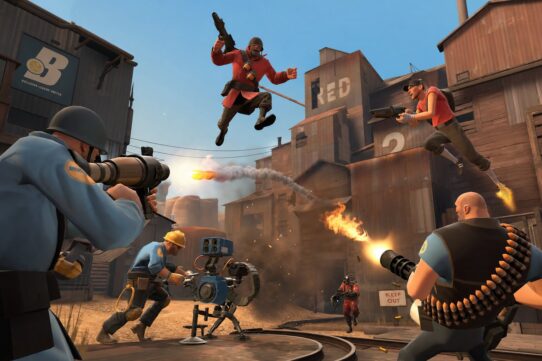

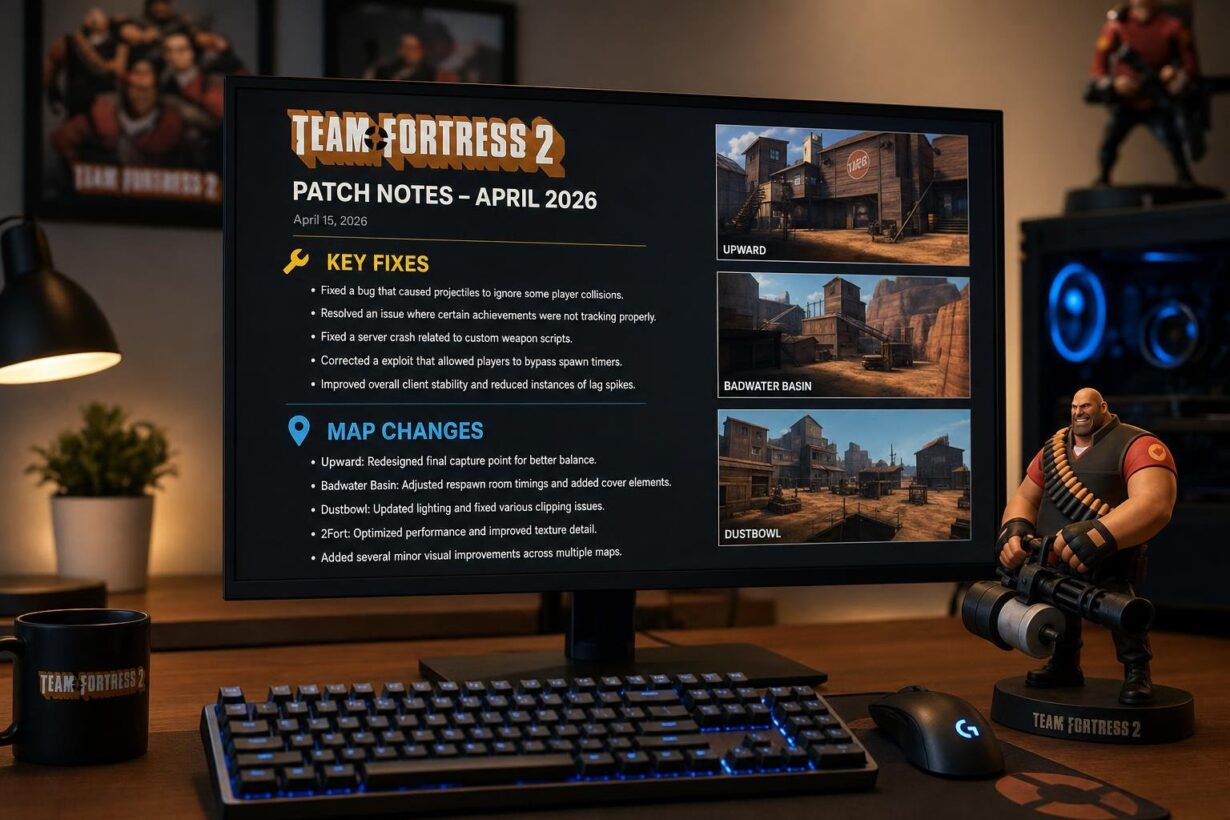

A new Team Fortress 2 patch arrived in early 2026 to address a notable chat exploit, server stability problems, and a significant round of community map improvements. If you have been searching for the tf2 patch notes april 2026 breakdown, the key changes actually landed in the March 6 and March 11 updates, which represent the most recent patch activity heading into April 2026. The most impactful fix closed a color control codes exploit that let players impersonate TF2 system messages in chat, a problem that undermined trust in every public server.
Beyond the chat fix, you get a memory leak patch for long-running servers, crash fixes tied to dynamic models and textures, Linux asset-loading corrections for custom maps, and a large visual overhaul of koth_demolition. Item fixes touch the Spy-cicle, Mann vs. Machine voice lines, and several cosmetic models. Whether you play on official servers, run a community server, or build maps, these updates affect your day-to-day experience. If you are also looking for ways to pick up TF2 skins without spending real money, platforms like Rewardly let you earn them through surveys and tasks at Steam Community Market value.
Key Takeaways
- A chat exploit using color control codes to fake system messages has been patched, restoring trust in in-game communication.
- Server operators benefit from a memory leak fix and crash corrections tied to dynamic models, textures, and Linux asset loading.
- koth_demolition received a major visual and layout rework alongside item fixes for the Spy-cicle, MvM voice lines, and multiple cosmetic props.
What You Need to Know First
The latest Team Fortress 2 patch cycle for April 2026 actually consists of two updates shipped on March 6 and March 11. Both applied automatically through Steam. If you have launched TF2 since mid-March, you already have them.
Release Snapshot
Here is a quick overview of the two patches:
| Date | Focus Areas | Standout Fix |
| March 6, 2026 | Chat exploit, server stability, Linux, SDK mods, community gameplay fixes | Color control codes system message impersonation |
| March 11, 2026 | koth_demolition, Spy-cicle, MvM audio, cosmetic props | Helipad clip exploit on koth_demolition |
Both updates were tagged as “Team Fortress 2 Update Released” on the official TF2 blog on Steam. No separate client download is required beyond the standard auto-update.
Why This Patch Matters
The March 6 patch is the heavier of the two. It plugs a security-adjacent exploit, fixes server-side resource leaks, and delivers over a dozen community-contributed code fixes covering everything from Medi Gun targeting to Dragon’s Fury projectile paths.
The March 11 patch is smaller but still meaningful. It wraps up loose ends on koth_demolition clip bugs, corrects lightwarp rendering on the Spy-cicle, and fixes a long-standing MvM voice line issue.
Together, these patches represent one of the more community-driven update cycles in recent TF2 history, with credited fixes from contributors like wget, ficool2, BreavyTF2, That Hat Guy, Midnite, and several others.
The Chat Exploit Fix
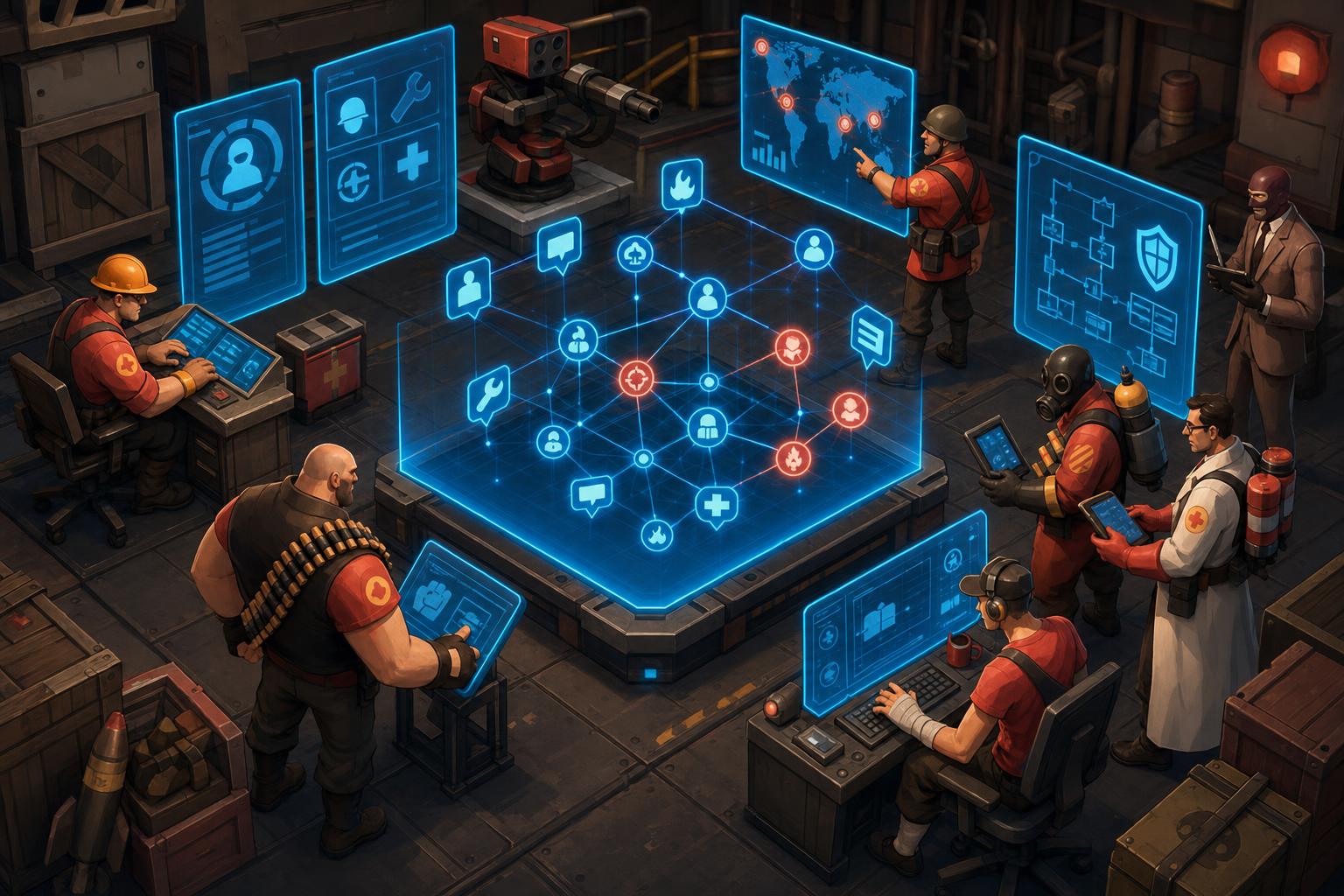
The most important fix in the March 6 patch closed a chat vulnerability that had been actively exploited in public servers. It involved color control codes, system message spoofing, and a fundamental trust problem in TF2’s text chat.
How Color Control Codes Were Used
TF2’s chat system supports internal color formatting codes that change text color mid-message. Clever players discovered they could inject these codes to style their chat messages so they visually matched the appearance of official TF2 system notifications.
In practice, this meant someone could post a message in chat that looked identical to an item drop alert, a VAC ban notice, or a server announcement. The exploit required no external tools, just specific character sequences pasted into the chat input.
What Changed for System Message Impersonation
The March 6 patch note reads: “Fixed an issue where players could impersonate TF2 system messages by exploiting color control codes.” Valve’s fix strips or sanitizes the control codes so player-submitted chat text can no longer replicate the formatting reserved for system-level messages.
This is a server-side and client-side change. You do not need to install anything extra. The filtering happens automatically.
What You Should Notice In-Game
After this patch, you should see a clear visual distinction between player chat and system messages. If someone tries to fake an item drop notification or a VAC message, the formatting will no longer match.
For server admins, this also reduces the volume of social engineering attempts in your servers. No SourceMod plugin is needed to address this specific exploit anymore.
Server Stability and Platform Fixes
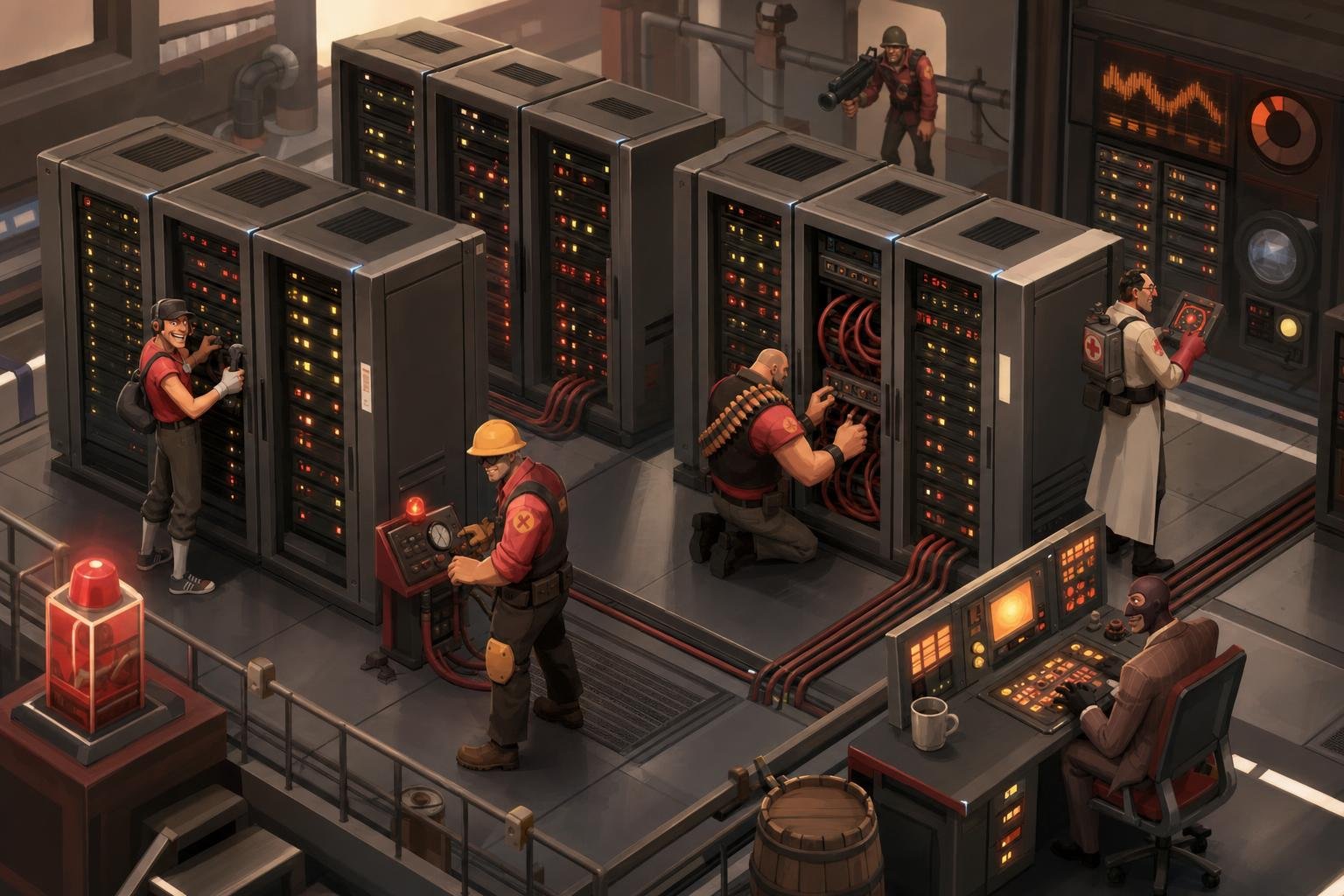
The March 6 update packed several backend fixes that matter most to server operators and players on non-Windows platforms. These address crashes, resource leaks, and compatibility issues that had been accumulating over time.
The Memory Leak on Long-Running Servers
A memory leak tied to dynamic models was patched. On servers that stayed online for extended periods, memory usage would gradually climb as dynamic model data was allocated but never properly freed.
If you run a 24/7 community server, this fix is significant. Before the patch, you likely needed periodic restarts to keep memory consumption under control. That should no longer be necessary for this specific leak.
Crash Fixes Linked to Dynamic Models and Textures
Two separate crash bugs were resolved:
- A client crash related to material proxies (fixed in the March 11 patch)
- A client crash related to an invalid D3D texture flag (fixed in the March 6 patch)
Both crashes could occur unpredictably during normal gameplay. The D3D texture flag issue was particularly frustrating because it struck without warning and left no useful error message for the player.
Custom Map Asset Loading on Linux
The March 6 patch fixed a bug where certain custom maps would not load assets correctly on Linux. If you play on a Linux client or run a Linux-based dedicated server with community maps, you may have encountered missing textures or broken models.
This fix ensures that asset paths resolve correctly regardless of the operating system’s file system case sensitivity.
TF2 SDK Mods and Singleplayer Crash Fixes
Crashes related to singleplayer TF2 SDK mods were also addressed. If you use the TF2 SDK for modding or testing custom content in singleplayer mode, these crashes should no longer interrupt your workflow.
Map Adjustments and Gameplay Cleanup
The map changes in these patches center on koth_demolition, which received a comprehensive update across both the March 6 and March 11 releases. Several other community maps also received targeted fixes.
koth_demolition Helipad Clip Fix
The March 11 patch specifically fixed a player clip on the helipad that allowed players to stand outside the playable area. Credit for reporting this goes to community member Midnite.
A separate blockbullets issue on the helipad exterior was also patched in the March 6 update, credited to Yazoo. Together, these fixes close off two spots that gave players unintended positional advantages.
Pixel Walk and Collision Corrections
The March 11 update also fixed player clip pixel walks on some doors within koth_demolition. Pixel walks are tiny ledges where players can stand on surfaces not intended for traversal.
These are the kind of exploits that competitive and experienced players find and abuse, so patching them keeps the map fair for everyone.
Other Community Map Updates in the Patch
The March 6 update touched several other maps:
- koth_demolition received a major visual overhaul: updated sunset lighting, reworked catwalks, improved capture point design, restructured spawn platforms, and fixed cubemap issues.
- pl_frontier_final and cp_manor_event both received fixes for invisible func_detail water near BLU spawn, credited to ObsoleteGuy.
- cp_frostwatch was updated to prevent surviving the first-point death pit with ÜberCharges on Stage 1.
- cp_coldfront had a material compression issue corrected.
If you play on any of these maps regularly, you should notice visual and gameplay improvements immediately.
Item, Audio, and Visual Fixes
Several item-specific bugs were corrected across both patches, ranging from rendering errors to missing audio and broken cosmetic models. Community contributors played a major role here.
Spy-cicle Lightwarp Correction
The Spy-cicle was not using its intended icicle lightwarp, which affected how the weapon looked under different lighting conditions. This community fix from BreavyTF2 was included in the March 11 patch. If you use the Spy-cicle, you will notice the icicle effect now renders with correct translucency and light interaction.
Mann vs. Machine Scout Voice Line Fix
A typo in the volume parameter for Scout.NegativeVocalization04 prevented the sound from playing in Mann vs. Machine mode. That Hat Guy submitted the community fix, which shipped in both the March 6 and March 11 updates. You should now hear the full range of Scout negative callouts during MvM rounds.
Model, Material, and Taunt Prop Updates
The March 6 patch included a long list of cosmetic and model fixes:
- Taunt: Heartbreaker prop received updated materials with ambient occlusion, improved phong and rim lighting, and fixed missing faces.
- The Case of the Blues was updated with better rigging and less flat materials.
- The Mann of the Hour had hair blending improved for Scout.
- The Bare Necessities was fixed for incorrect movement during taunts.
- The Headliner had pocket and tie stretching corrected.
- The Overdose Festivizer model had LOD problems fixed.
- Stat Clocks rendering in the UI playermodelpanel was corrected.
These fixes improve the visual consistency of items you may already own, especially during taunts and in the loadout screen.
How This Patch Fits Into Recent TF2 Support
TF2’s update cadence remains steady. Even after the community celebrated a happy smissmas 2025, Valve continues to ship fixes and map refinements between major seasonal events. The March patches continue a pattern of supporting community-contributed items that was established during and after Smissmas 2025.
What Carries Over From Smissmas 2025
The December 2025 Smissmas updates introduced and refined several items and effects. Fixes shipped during that period included:
- Snow Dome Unusual effect brightness and opacity adjustments
- Team Recognition Unusual effect console warning fix
- Fists of Steel backpack image correction to use the RED team version
- Updated backpack images for Festivized boxing gloves (Killing Gloves of Boxing, Gloves of Running Urgently, Apoco-Fists, Fists of Steel)
- Festive Fleece LOD fixes
- Puncher’s Polar Puffer skinning corrections
- Scrooge McCrocket smoke effect addition
These Smissmas fixes remain in the current build. Nothing from December was reverted in the March patches.
Notable Cosmetic and Unusual Fixes Before April
Between Smissmas 2025 and the March patches, Valve addressed cosmetic rendering issues that had lingered since Scream Fortress seasons and earlier content drops. The pattern of fixing Unusual effects, Festivizer models, and cosmetic rigging suggests continued attention to the item economy, which keeps TF2 skins looking correct in trade and in-game previews.
If you care about how your inventory items display, especially for trading or showcasing on platforms that pull Steam inventory data, these corrections matter.
What To Watch in Future Patch Notes
The April 1, 2026 classified playtest build spotted on SteamDB hints at upcoming content that has not been fully revealed. Keep an eye on the official TF2 blog on Steam for formal announcements.
Based on the current trajectory, expect continued community-fix integration, further map polish, and potential preparation for a summer event.
Frequently Asked Questions
When were the April 2026 update notes released for Team Fortress 2?
The most recent patches heading into April 2026 were released on March 6 and March 11, 2026. Both were announced on the official TF2 blog on Steam. A classified playtest build dated April 1, 2026 appeared on SteamDB, but full public patch notes for that build have not been formally posted.
Where can I find the full changelog for the April 2026 Team Fortress 2 update?
You can find the complete patch notes on the official Team Fortress 2 blog hosted on Steam. The TF2 Wiki also maintains a comprehensive list of all patches with detailed changelogs and links to individual update entries.
What gameplay balance changes were included in the April 2026 Team Fortress 2 update?
The March 6 patch included an improvement to Medi Gun heal target selection that prioritizes the teammate directly under your crosshair when multiple teammates are close together. This community fix from wget also extended to targetid selection. No weapon stat changes or class balance overhauls were included.
Did the April 2026 Team Fortress 2 update include any Mann vs. Machine changes?
Yes. A voice line bug was fixed where Scout.NegativeVocalization04 was not playing in Mann vs. Machine due to a typo in the volume parameter. This community fix from That Hat Guy was included in both the March 6 and March 11 patches. No MvM gameplay or mission changes were made.
How do I download and install the April 2026 Team Fortress 2 update on Steam?
You do not need to manually download anything. The update applies automatically when you restart Team Fortress 2 through Steam. If the update does not appear, try verifying your game files through Steam’s properties menu for TF2, then relaunch the game.
What bugs and security fixes were addressed in the April 2026 Team Fortress 2 update?
The patches fixed a chat exploit involving color control codes that allowed system message impersonation, a memory leak on long-running servers, client crashes tied to material proxies and D3D texture flags, custom map asset loading failures on Linux, and crashes in singleplayer TF2 SDK mods. Over a dozen additional community-contributed bug fixes were also included.