


Rust Kick Drops are live for the Kick Off 2 event, and if you want the exclusive rust skins, the window is tight. The campaign runs from June 11, 2026 at 8:00 PM UTC through June 21, 2026 at 11:00 PM UTC, giving you ten days to watch, earn, and claim.
This is a Kick Drops campaign, not a Twitch Drops event. Progress counts only on Kick, and rewards are delivered directly to your Steam inventory through Facepunch’s dedicated campaign page. If you arrive expecting a Twitch setup, you will not find one here.
The guide below covers exact timing, account linking, how general and streamer-specific drops differ, and what to do when something goes wrong.
Campaign Dates And Reward Schedule
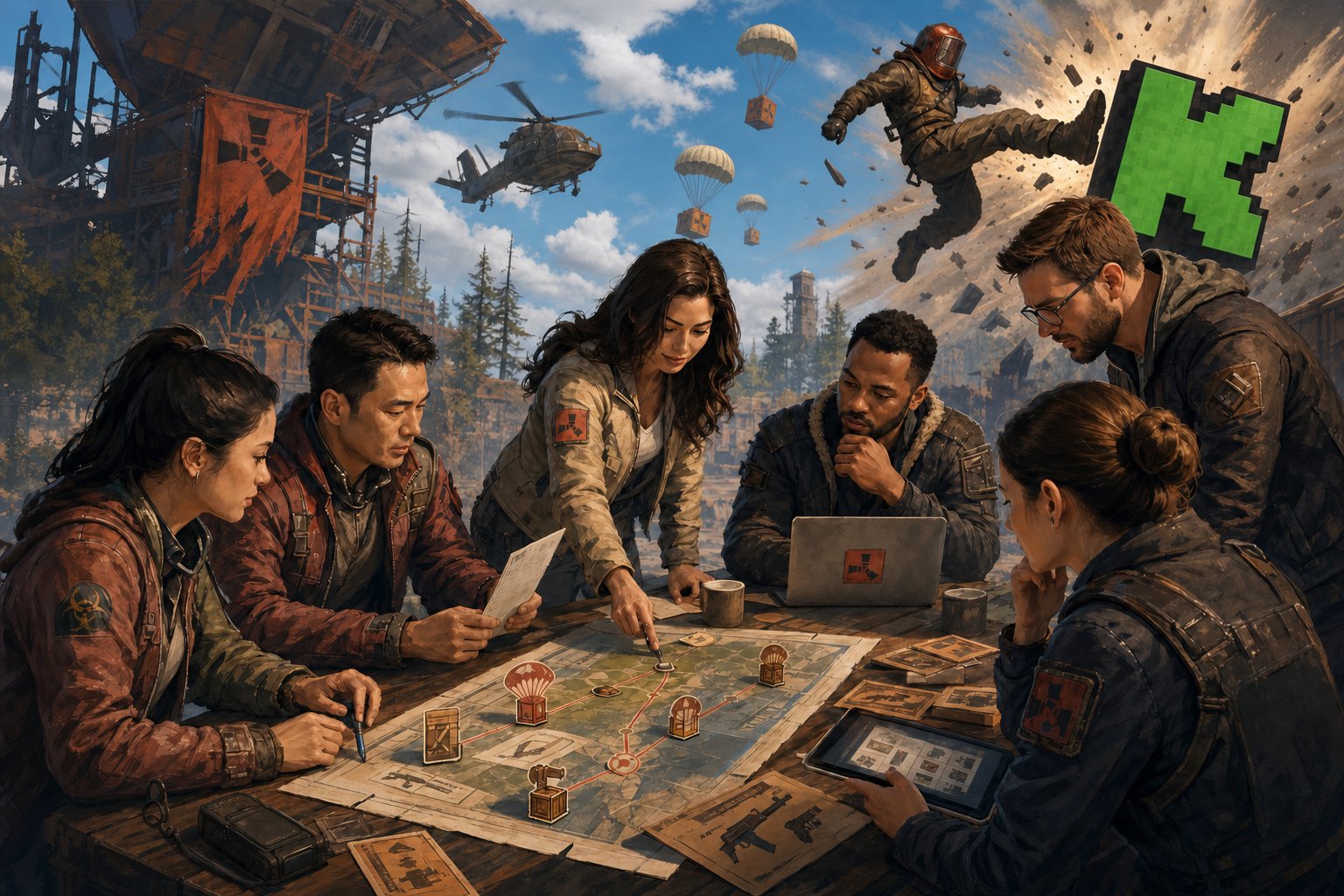
The Kick Off 2 campaign delivers exclusive rust skins on a watch-time milestone system, with separate tracks for general drops and streamer-specific items. Understanding which tier you are chasing determines which streams you need to watch and for how long.
Confirmed Kick Off 2 Timing
According to a Kick Off 2 event breakdown, the campaign window is June 11, 2026 at 8:00 PM UTC to June 21, 2026 at 11:00 PM UTC. That is a ten-day earning period. Once the campaign closes, unclaimed progress expires, so do not leave drops sitting in your inventory page past the deadline.
General Drop Milestones
General drops are earned by accumulating watch time on any Rust drops-enabled stream on Kick. Based on the structure of previous Rust Kick Drops campaigns, milestones are typically tiered at set watch-time intervals, with each threshold unlocking a specific cosmetic reward such as the Large Wood Box, Garage Door, or Locker skin variants offered in prior events. Confirmed exact milestone durations for Kick Off 2 have not been officially published at time of writing; check kick.facepunch.com directly for the live campaign conditions, as all active milestones are listed there.
Why Players Still Search For Rust Twitch Drops
“Rust Twitch Drops” remains the default shorthand many players use when searching for any Rust cosmetic watch campaign, because Twitch Drops ran for years before Kick entered the picture. This Kick Off 2 campaign is entirely Kick-based. Progress does not carry over from Twitch, and your Twitch account has no role here. If you want a broader explanation of how Rust’s historical Twitch drops system worked, Rewardly’s Rust Twitch Drops guide covers that format in detail.
How Eligibility And Viewing Rules Work
Eligibility for Kick Off 2 drops depends on three things: your accounts being properly linked, your watch time accumulating on a qualifying stream, and, for streamer-specific rewards, watching the correct channel. Facepunch manages the entire drops system through kick.facepunch.com, not through Kick’s standard channel settings.
How To Link Accounts At kick.facepunch.com
Navigate to kick.facepunch.com and sign in with both your Kick account and your Steam account. The page provides a direct linking flow; once both accounts are connected, your watch time on qualifying streams will count toward drop progress automatically.
If you previously linked a Kick account you no longer have access to, sign in with Steam on the same page and click the “Unlink Account” button. You can then re-link a current Kick account normally. Do not skip this step; watching hours without a valid account link means those minutes will not register.
General Drops On Rust Drops Enabled Streams
Any Rust stream on Kick carrying the Drops Enabled tag qualifies for general milestone progress. You do not need to watch a specific streamer, just any active channel in that category. As Facepunch confirms on the campaign page, watching more than one channel simultaneously will not accelerate your progress. Only one active channel counts at a time, so switching between streams does not help. You simply need to watch to get drops while the stream remains active in your browser.
Streamer-Specific Rewards On Participating Channels
Some drops in the Kick Off 2 campaign are tied to individual Rust Kick streamers. To unlock these, you must watch the exact participating streamer listed on kick.facepunch.com; general drops-enabled streams will not count toward those milestones. All participating streamers are listed directly on the campaign page, and the conditions for each streamer drop are visible there in real time. Check that list before you start watching if you are targeting a specific cosmetic tied to a creator. Big names like xqc often help drive these events to huge viewership numbers.
Claiming Items And Fixing Common Issues
Once your watch time hits a milestone, claiming the drop and getting it into Steam requires a few deliberate steps. The most common problems players run into, missing items, unlinked accounts, and drops not appearing, all have straightforward fixes once you know where to look.
Using Kick Drops Inventory To Track Progress
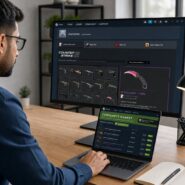
Your progress toward each milestone is visible on the Kick Drops Inventory page. This is the only reliable way to confirm how many minutes you have watched and how far you are from the next drop. If the counter does not seem to be moving, check that your Kick account is actively linked to your Steam account and that the stream you are watching has the Drops Enabled tag.
How To Claim Rewards And Receive Them In Steam
When a milestone completes, a Claim button becomes available on the Kick Drops Inventory page. Press it. After claiming, allow up to ten minutes for the item to appear in your Steam inventory. If it has not arrived after thirty minutes, your Steam account may not have been linked at the time of the claim.
To recover a missed drop, link your accounts on the campaign page and click “Check for Missing Drops.” You will need to own Rust on Steam to receive items. If you have not purchased Rust yet, claimed drops remain redeemable for up to 180 days after claiming, but they will not appear automatically; you must return to the page and trigger the check manually.
What To Check If A Drop Does Not Appear
Work through this list in order:
- Confirm your Kick and Steam accounts are linked at kick.facepunch.com
- Verify that Rust is in your Steam library
- Check that you pressed Claim on the Kick Drops Inventory page rather than only watching past the milestone
- Wait the full thirty minutes before using the “Check for Missing Drops” tool
- Confirm the stream you watched had the Drops Enabled tag active during your session
If none of these resolve the issue, Facepunch has a built-in recovery path through the campaign page itself. The “Check for Missing Drops” button re-attempts delivery for previously claimed drops that did not reach your inventory.
Frequently Asked Questions
How do I link my Steam and Twitch accounts to receive in-game drops?
Kick Off 2 is a Kick Drops campaign, not a Twitch Drops event, so your Twitch account is not involved. Go to kick.facepunch.com and connect both your Kick account and your Steam account through the linking flow on that page.
Which channels and streamers are eligible for the current drop campaign?
Any Rust stream on Kick with the Drops Enabled tag counts toward general milestone drops. Streamer-specific drops require watching an individually listed participating streamer; the full list of those streamers is published on kick.facepunch.com alongside each drop’s conditions.
What are the exact start and end times for each round of the event?
The Kick Off 2 campaign opens on June 11, 2026 at 8:00 PM UTC and closes on June 21, 2026 at 11:00 PM UTC, that is a ten-day earning window with no confirmed mid-event round resets.
Why aren’t my earned drops showing up in my inventory after claiming them?
The most likely cause is that your Steam account was not linked at the time you pressed Claim. Link your accounts at kick.facepunch.com and use the “Check for Missing Drops” button to re-attempt delivery. Also confirm you own Rust on Steam, since items cannot be delivered to accounts that do not have the game in their library.
Can I trade or sell the items I receive from the event, and are there restrictions?
Tradability and market eligibility for Rust drops items vary by item type. Crates received as drops are Steam items that can be opened in-game for a random skin, but whether specific items are tradable is worth verifying per item before assuming you can list them on the Steam Community Market.
How can I track my progress and see how many minutes I’ve watched toward a drop?
Open the Kick Drops Inventory page at kick.facepunch.com while signed in. Your cumulative watch time and progress percentage toward each active milestone are displayed there. This is the only official tracker; in-stream overlays do not always reflect accurate drop progress.


thanks for the drops
Is anyone else having issues linking their Facepunch account to Kick? The guide says it should be instant but mine took like 20 minutes to show up. Thanks for the clear breakdown either way!
Having read this I believed it was extremely enlightening.
I appreciate you finding the time and effort to put this informative article together.
Quick question—if I claim a drop in my Kick inventory, do I have to launch the game immediately to get it, or can I wait until wipe day? Great article, much easier to read than the official patch notes
Finally, they added some decent weapon skins to the drop pool instead of just useless clothing items. Going to leave streams open all weekend to make sure I grab these.
this site is truly fastidious and the people are really sharing nice thoughts.
The official site was confusing as hell regarding which streamers actually had the drops enabled this time around. Thanks for putting together a clear list.
I almost missed the second wave entirely. Thanks for the heads up on the schedule changes. Does anyone know if these specific ones will be marketable later?
I’m extremely pleased to discover this site. I need to to thank you for ones time for this particularly fantastic read!!
I definitely liked every bit of it and I have you book marked!
Trying to track drop progress on Kick has been super buggy on my end, but your guide at least confirmed I had my accounts linked right. Finally got the sleeping bag skin