

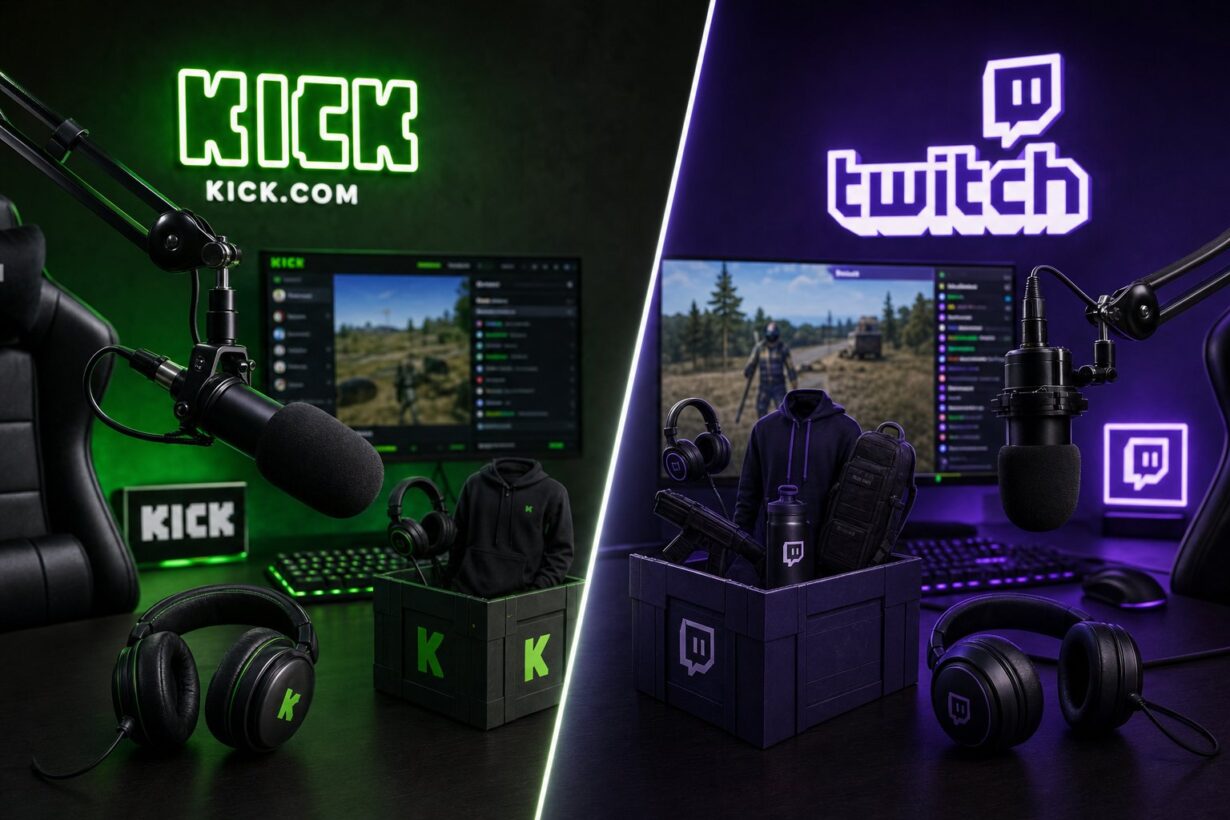

Rust has two separate drop systems running right now, and mixing them up is the fastest way to watch four hours of a stream and get nothing. The short answer: Twitch Drops and Kick Drops both deliver free Rust skins to your Steam inventory, but they run through completely different platforms, require different account links, and track your watch time independently.

The Kick Off 2 event, which started June 11 and runs through June 21, 2026, is a Facepunch-managed campaign on Kick. It operates through kick.facepunch.com, not through your Twitch account. If you link the wrong platform, your watch time does not transfer and your claim does not go through.
At Rewardly, a gamer-focused rewards platform built around earning and redeeming digital items including Rust skins, we track how account linking and reward delivery work across multiple systems. That experience makes it clear that the biggest source of missed drops is account confusion, not bad luck. This guide cuts through it.
How Rust Drops Work Across Platforms
Facepunch manages drop campaigns across both Twitch and Kick, but each platform runs its own tracking infrastructure. You essentially watch to get drops while supporting your favorite creators. The end destination is always your Steam inventory.
Why Rust Used Twitch Drops First
Rust has run Twitch Drops campaigns for years. The system is straightforward: link your Steam account to Twitch, watch drops-enabled streams, and claim skins through the Twitch Drops Inventory page. Twitch Drops were Facepunch’s primary watch-to-earn mechanism because Twitch dominated Rust viewership for a long time.
Skins earned through Twitch are account-bound. You cannot trade or sell them, so what you claim stays with your Steam profile permanently. Many of these cosmetics were popularized during events like Twitch Rivals. Creators like Trausi, Spoonkid, and Welyn often have custom skins featured. Icons like hJune and Willjum have also participated in these major Twitch campaigns.
Why Kick Off 2 Is A Separate Campaign
Kick launched its native Drops feature in November 2025 with Rust as the inaugural partner. That initial event proved the system worked at scale. Kickoff 2 builds on that foundation as a dedicated community event. Some players see this as Kick drops round 3 for the platform. It features its own reward set and schedule at kick.facepunch.com.
The two campaigns do not share progress. Watching Kick streams does not credit your Twitch drop timer, and vice versa.
Are The Rewards Systems Actually The Same
The core loop is identical: watch eligible streams, accumulate time, claim the drop, wait up to ten minutes for the skin to appear in your Steam inventory. The differences are in where you authenticate, which page you use to track progress, and which streamers are eligible for campaign-specific rewards.
Both systems also support streamer-specific drops, meaning certain skins are only available by watching a named creator, not just any drops-enabled channel.
Which Account You Need To Link
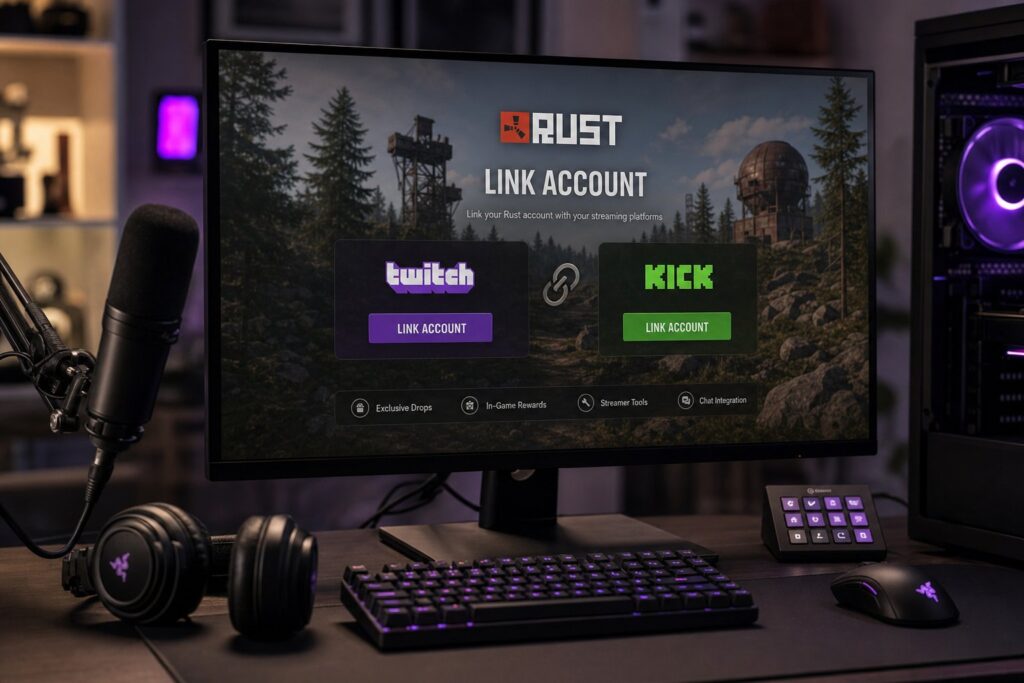
The correct account link depends entirely on which platform the active campaign is running through. Linking Steam is required for both, but the third-party platform account differs.
Steam Account Linking As The Shared Requirement
Every Rust drop campaign requires you to own Rust on Steam and have your Steam account connected. These events often align with a monthly force wipe to maximize player engagement. Without the Steam link, items have nowhere to land. You might even secure a random Rust item like a specific crate during these periods. According to the official Kick drops FAQ, if your Steam account was not linked at the moment you claimed a drop, the item will not appear automatically. You will need to relink and use the “Check for Missing Drops” button.
When To Link A Twitch Account
For Twitch campaigns, go to the Twitch settings page and connect your Steam account under the Connections tab. Once linked, your watch time on drops-enabled Rust streams starts counting automatically. Claiming happens through the Twitch Drops Inventory in your Twitch account.
If a Twitch campaign is not currently active, there is nothing to earn even if you link correctly. Check the Rust Twitch Drops schedule before sitting down to watch.
When To Link A Kick Account
For Kick campaigns including Kick Off 2, linking happens at kick.facepunch.com. You sign in with Steam, then authorize your Kick account. The link is managed by Facepunch directly, not by Kick’s standard settings menu. That distinction trips up a lot of players who try to find the connection inside their Kick profile settings and come up empty.
Where You Watch And What Counts
Not every Rust stream on Kick or Twitch contributes to drop progress. The platform and the streamer both have to be set up correctly for your watch time to register.
How Drops Enabled Streams Are Identified
On Twitch, look for the Drops Enabled tag on the stream. On Kick, participating channels are listed directly on kick.facepunch.com. A stream without that designation will not credit your timer no matter how long you watch.
One common mistake: players search for Rust on Kick, find a popular channel, and assume it counts. If that channel is not listed on the campaign page or tagged correctly, the time is wasted.
Rust Streamer Drops And Channel Eligibility
Both platforms support streamer-specific drops. These are cosmetics tied to a particular creator, meaning only watching that specific person’s stream will unlock the skin. General campaign drops can be earned from any eligible channel, but streamer-specific Kick drops require you to be on the correct channel.
The Kick Off 2 event features 150 participating creators across four days of competition, with a mix of exclusive streamer drops and general campaign drops.
Kick Vs Twitch Drops For Watch Time Progress
Watch time accumulates in real time on both platforms, but the tracking pages are different. Twitch shows your progress in the Drops Inventory under your account. For Kick, progress is visible on the Kick Drops Inventory page at kick.facepunch.com. Watching two streams simultaneously on either platform does not speed things up. As Facepunch confirms, only one active channel counts toward a drop at a time.
Claiming, Tracking, And Receiving Items
The claim step is where many players lose drops they legitimately earned. Progress tracking and the claim button are in different places depending on which platform you are using.
How Claiming Works On Twitch Campaigns
When your watch time hits a milestone on Twitch, a notification prompts you to claim. You have a limited window to click it. If you miss the claim prompt and the campaign ends, the drop is gone. Facepunch support confirms that if Twitch did not calculate the required watch time before a campaign closed, the skin cannot be recovered. Claimed drops also expire after 180 days if not properly delivered to Steam.
How Kick Drops Inventory And Claims Work
On Kick, progress and claiming both live on the kick.facepunch.com campaign page. Once you hit the required watch time, a Claim button appears. After claiming, items take up to ten minutes to appear in your Steam inventory. If thirty minutes pass with nothing showing up, your Steam account likely was not linked at claim time. Use the “Check for Missing Drops” button after relinking.
Unclaimed Kick drops expire after 180 days, same as Twitch.
When Rust Rewards Reach Your Steam Inventory
After a successful claim on either platform, expect the skin in your Steam inventory within ten minutes. Crate items from Kick drops work differently: you open them inside Rust itself through the main menu Inventory screen, not through Steam directly. If you have not purchased Rust yet, you can still claim drops and retrieve them later using the missing drops tool, as long as you do so within 180 days of the original claim.
Kick Off 2 At A Glance
Kick Off 2 is a competitive event built around Rust’s growing presence on Kick, and it comes with its own reward structure separate from any active Twitch campaigns. The event runs June 11 through June 21, 2026.
What Makes This Kick Campaign Different
Kick Off 2 features 150 creators competing in daily challenges with a $100,000 prize pool, according to event details shared by participants. The scale is significantly larger than the original November 2025 launch event. The campaign delivers 14 drops total, including 11 exclusive skins and 3 general campaign items.
Short Reward Overview Without Full Duplication
The 14 available drops include a mix of streamer-exclusive cosmetics tied to specific participating creators and general drops you can earn from any eligible Kick stream. Some drops require only a few hours of watch time; others are tied to longer viewing milestones. All link directly to your Steam inventory through the kick.facepunch.com claim flow.
When To Use The Dedicated Kick Off 2 Guide
This article focuses on how the two drop systems compare structurally. For the complete Kick Off 2 reward list, exact watch time requirements per drop, and the full participating streamer roster, the Bisect Hosting Kick Off 2 event guide covers every detail of the campaign in one place.
Common Mistakes And A Safe Claim Checklist
Most drop failures come down to the same handful of errors, and they are all preventable. Linking the wrong account and watching the wrong stream are the two most common. The checklist at the end of this section takes less than two minutes to run through before you start watching.
Linking The Wrong Platform Account
Players who have used Rust Twitch Drops before sometimes assume Kick drops work through Twitch. They link Steam to Twitch, search for Kick streams, and watch for hours without anything registering. The fix is simple but easy to miss: Kick drops require you to link Steam through kick.facepunch.com specifically, not through Twitch or your Kick account settings.
Facepunch also issued a security warning in December 2025 about phishing sites impersonating drop campaign pages. Always navigate directly to kick.facepunch.com or the official Rust wiki for Twitch links. Do not use links sent through Discord DMs or random social posts.
Watching Ineligible Streams Or Missing Claims
Watching a Rust stream that is not tagged or listed as drops-eligible produces zero progress. On Kick, the participating channel list is on the campaign page. On Twitch, the Drops Enabled tag must be visible on the stream tile. Missing the claim notification on Twitch after a milestone is met means losing that drop if the campaign ends before you click. Check your Drops Inventory on both platforms regularly, not just at the end of the campaign.
Quick Checklist Before You Start
Frequently Asked Questions
What’s the difference between Kick drops and Twitch drops for Rust?
Both systems let you earn free Rust skins by watching streams, but they run on different platforms with separate account links and progress tracking. Twitch Drops require linking Steam to your Twitch account, while Kick drops require linking Steam through kick.facepunch.com. Watch time on one platform does not carry over to the other.
How do I link my Rust account to Kick and claim drops?
Go to kick.facepunch.com, sign in with Steam, and authorize your Kick account. Once linked, watch any eligible stream listed on the campaign page, then claim completed milestones from the Kick Drops Inventory on the same page. Items appear in your Steam inventory within ten minutes of a successful claim.
How do I link my Rust account to Twitch and claim drops?
Log into Twitch, go to Settings, then Connections, and link your Steam account. After linking, watch any drops-enabled Rust stream on Twitch, and your progress accumulates automatically. Claims are handled through the Twitch Drops Inventory in your account, and skins deliver to Steam once claimed.
Do Kick drops and Twitch drops give different Rust skins or rewards?
Yes. Each campaign has its own reward set, and skins earned through one platform are not available on the other during the same event period. The Kick Off 2 event, for example, offers 14 dedicated drops that are specific to the Kick campaign and cannot be earned through Twitch.
Can I earn Rust drops on Kick and Twitch at the same time?
You can participate in both campaigns simultaneously if Facepunch is running active drop events on both platforms at the same time. Progress on each platform is tracked independently, so earning on Kick does not affect your Twitch drop timer. Keep both inventory pages open to monitor progress on each separately.
Why aren’t my Rust drops showing up after watching a stream, and how can I fix it?
The most common causes are a missing account link at the time of claiming, watching a stream that was not drops-eligible, or not clicking the Claim button before the campaign ended. On Kick, relink your Steam account at kick.facepunch.com and use the “Check for Missing Drops” button. On Twitch, check the Facepunch support page for guidance, and note that drops from expired campaigns cannot be recovered.


Helpful update. I noticed my progress wasn’t tracking the same way it used to, so it’s good to know exactly what changed behind the scenes
Glad someone finally compared these directly! The transition between the platforms has been a bit messy, but this clears up exactly what we need to do.
Good summary of the differences. I was genuinely confused about how the new Kick system tracked watch time compared to the old Twitch setup